Bill Entry in Seconds
Meet Autofill, the AI feature built for how production accountants actually work.
On a busy production, the bills don't stop coming. Every vendor invoice, equipment rental, and catering order has to be entered, coded, and approved before it moves. For most production accountants, that means typing the same information by hand, line by line, invoice by invoice.
It's not hard work. It's just slow, and it's every day.
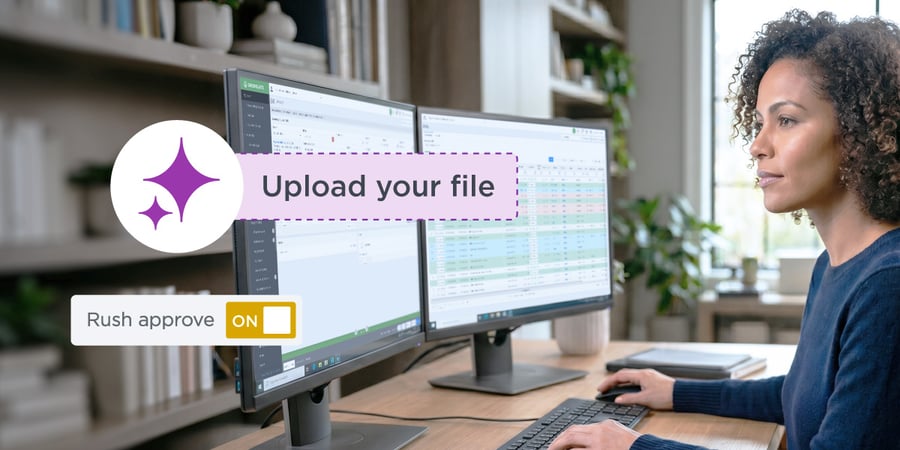
That's what Autofill is built to eliminate. Upload a bill, and GreenSlate's AI pulls the vendor information, line items, amounts, default expense accounts, and tax coding straight off the invoice. What used to take minutes of careful manual entry now takes three seconds or less.
What Is Autofill?
Autofill is GreenSlate's new AI data entry feature for bills. Drag and drop an invoice, or click to upload, and watch the fields fill in:
-
Vendor information, matched on name and address
-
Bill number, amount, and date
-
Line items, including description, quantity, and rate
-
Default expense accounts, tax coding, and 1099 information, pulled from the vendor record
Built for the Messy Reality of Production Accounting
Production invoices are rarely pristine. Scanned sideways. Barely legible. Handwritten amendments in the margins. Autofill was built to handle documents like these. Multi-page invoices are fully supported, so the complicated ones don't slow you down.
Every field stays editable after the first pass. Nothing saves without you looking at it.
Not Just the Total
Autofill doesn't just grab the headline numbers. It goes deep:
-
Account and PO numbers, surfaced in the summary description, which matters when it's time to match remittances
-
Sales tax as its own line item, when it's cleanly broken out on the invoice
-
Summary charges like shipping and gratuity, split out instead of buried in a total
Data Entry Isn't Accounting
Autofill types. It doesn't decide anything. It won't catch that a rental should have hit a different department, or that a vendor billed for a day the truck never showed. That judgment is the job, and it stays with you. What changes is that you start from a filled-in bill instead of a blank one.
Autofill is available now for bills. From there it will extend to check requests, then purchase orders, and eventually receipts, covering petty cash and company card workflows too. We're still refining vendor matching, document handling, and formatting based on what customers tell us.
See how Autofill populates your bills in seconds.  Login
Login






 Login
Login